
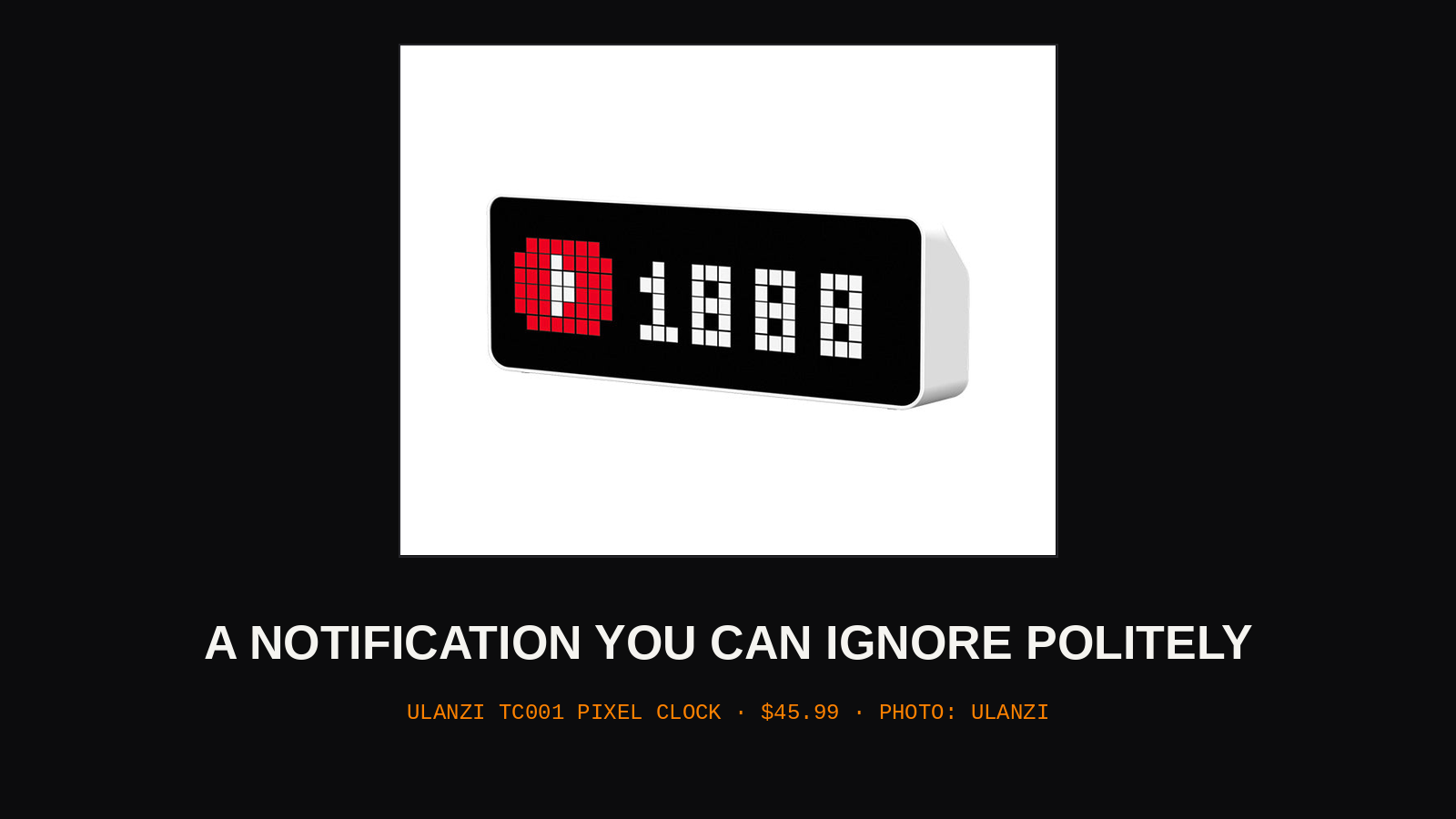
The phone on the desk has strong opinions about your attention. It buzzes for a delivery, a headline, a stranger's opinion about lunch. The TC001 is a small pixel display that takes the opposite contract: it shows you the time, the weather, and whatever else you wire into it, and it never makes a sound. Information that waits to be looked at turns out to be a different substance from information that interrupts.
01 · WHAT IT SHOWS
Out of the box it is a clock with a charmingly coarse face, big pixel digits you can read from across the room. Through its app it adds weather, calendar hints, and counters for the usual platforms. The interesting door is the Awtrix-style integration support: the clock can receive small pixel apps and notifications pushed from home automation systems and scripts, so a build server, a download box, or a stock ticker can report in by glowing quietly. A finished render shows up as a green tick when you happen to glance over. A failed one waits, red and patient, until you do.
02 · THE CASE FOR AMBIENT
Most notifications are not urgent; they are merely loud. The test is simple: would this information change what you do in the next ten minutes? A meeting starting, yes. A follower count moving, no, and yet the phone presents both with the same buzz. A glanceable display sorts information by physics instead of by settings menus. What lives on the clock is checked when you choose to look up from the keyboard, during the natural pauses that already exist in a workday. What lives on the phone interrupts a thought that was costing you something. Moving the low-grade status traffic to a silent screen does not just reduce noise; it makes the remaining buzzes mean something again.
| BELONGS ON THE CLOCK | BELONGS ON THE PHONE |
| Weather for the afternoon | A call from family |
| Build and render status | A meeting in five minutes |
| Follower and download counts | A door sensor at night |
03 · SETUP REALITY
The clock is only as smart as the app and the integrations behind it. Counters and custom screens are configured on your phone, pushed over your network, and depend on both staying healthy. The Awtrix-style path rewards people who already run a home server or a home automation hub; without one, the TC001 is a handsome clock with weather, which may honestly be enough. Pixel art faces and animations are a rabbit hole with a real time cost, and the clock will happily consume an evening of customization if you let it.
04 · LIMITS
Brightness is the standing complaint with every LED display: cheerful at noon, a small lighthouse at 2 a.m., and the dimming settings need to be found and set before the first night, not after. The app dependency is real; if the vendor's app or servers go away, the built-in faces remain but the clever counters get dumber. And it tells time first. The display is small, the queue of things it can show is a rotation rather than a dashboard, and anything you genuinely need to read in detail still belongs on a real screen.
On this desk it shows the time and the build status, and the phone has been face down since Tuesday.
WHERE TO GET ONE
We do not stock the TC001 yet, so buy it direct from the maker: $45.99 at Ulanzi. Price checked 2026-11-14.