
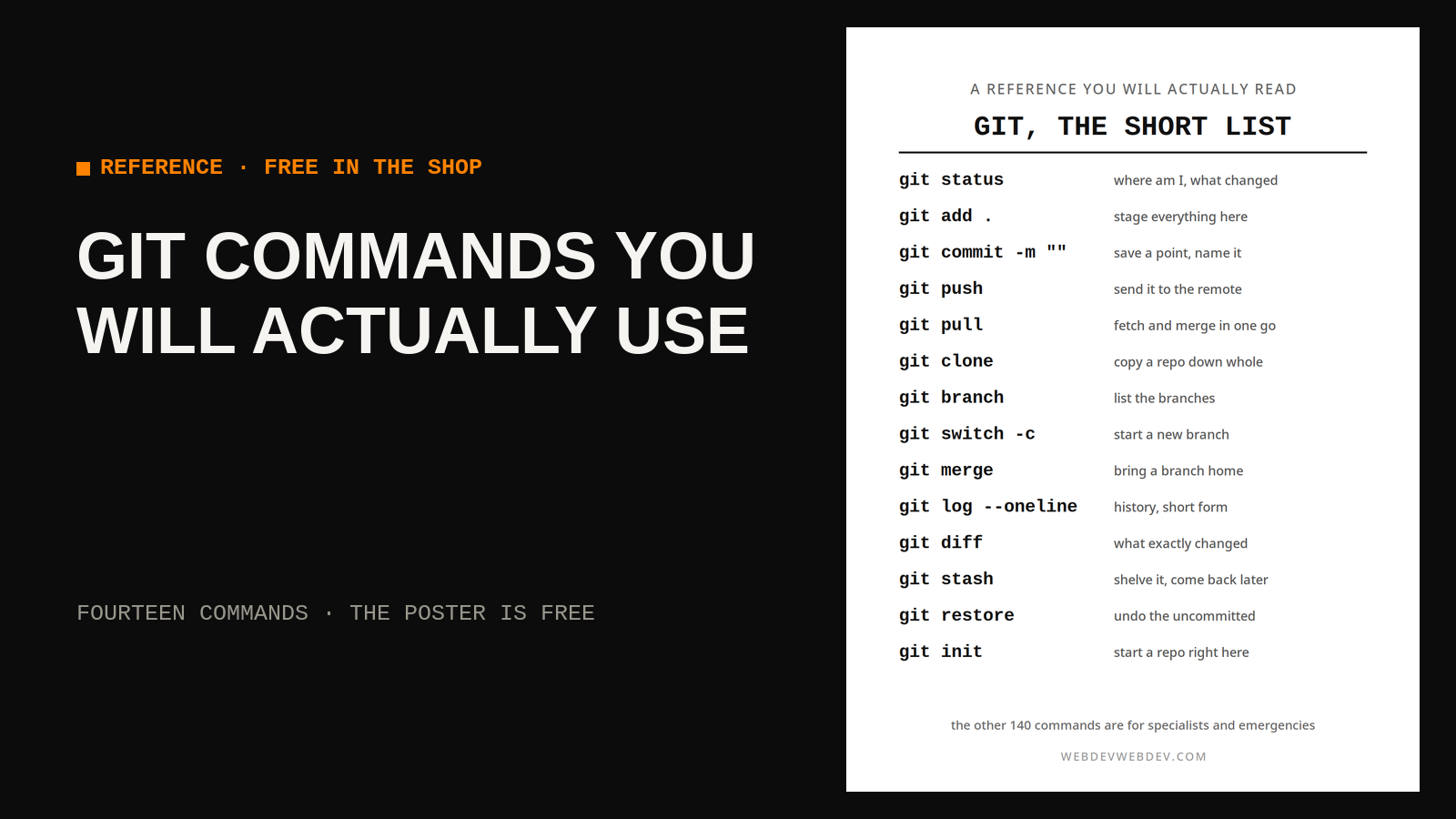
Git has well over a hundred commands and subcommands, and most working programmers use about a dozen of them on almost every day of their working lives. The rest of the manual is real, and some of it is excellent, but it answers questions you may meet twice a year. This page is the dozen plus two, in the order you will reach for them, with the three daily workflows they assemble into. Learn the table cold and you can work in any repository on earth without performing competence for anyone.
01 · THE SHORT LIST
| Command | What it does |
|---|---|
| git init | Start a new repository in this folder |
| git clone | Copy a remote repository to your machine |
| git status | Show what changed and what is staged |
| git add | Stage files for the next commit |
| git commit | Save the staged changes as a snapshot |
| git push | Send your commits to the remote |
| git pull | Fetch and merge changes from the remote |
| git branch | List, create, or delete branches |
| git switch | Move to a different branch |
| git merge | Bring one branch into another |
| git log | Show the commit history |
| git diff | Show line by line changes |
| git stash | Set unfinished work aside, cleanly |
| git restore | Discard changes or unstage files |
02 · START WORK
Starting is three moves. Pull first, so the day begins from the newest version of the project rather than from wherever your laptop left it. Check status, so you know whether the folder is clean or carrying leftovers from yesterday. Then switch to a branch named for the job, or create one with git switch -c, so the work has its own lane and the main branch stays boring. Boring main branches are a sign of health. Almost every expensive git accident begins with somebody doing real work in the wrong place because the first five minutes felt too simple to bother with.
03 · SAVE WORK
Saving is a rhythm, not an event. Status to see what changed. Diff to read it, because staging a change you have not read is signing a contract in a language you skimmed. Add the files that belong together, commit with a message that says why, and push before you close the lid. Small commits are cheaper than large ones in every currency that matters: easier to review, easier to undo, easier to explain at 11 p.m. when something is broken. The commit message rule that survives contact with reality is one line that finishes the sentence, this change will. If the sentence comes out vague, the commit is probably two commits wearing a coat.
04 · UNDO WORK
Undo is where git earns its keep, and the tool you want depends on how far the mistake has travelled. A file edited and not staged comes back with restore. A file staged too early leaves the stage with restore --staged and keeps its changes. Work interrupted by something urgent goes into stash and comes back with stash pop when the fire is out. A commit that has not been pushed can be reworked freely. A commit that has been pushed is history, and history gets corrected with a new commit in the other direction, not rewritten while teammates stand on it. Knowing which ring of the fence you are inside is the whole skill.
05 · LIMITS
The honest limit of this list is that the rest of git exists for specialists and bad days, and both eventually arrive. Rebasing shared history, bisecting a regression across four hundred commits, recovering a branch deleted in a moment of confidence: these are real tools for real problems, and they are worth learning the week you need them, with the patient documentation open. Nobody sensible keeps them loaded in memory all year. A printed version of the table on this page is available free as a poster on this shop's Products page, which is the correct place for reference material you need while your terminal is already full of error messages.
Run git status before your next three commands, every time, until the habit costs you nothing and saves you once.