
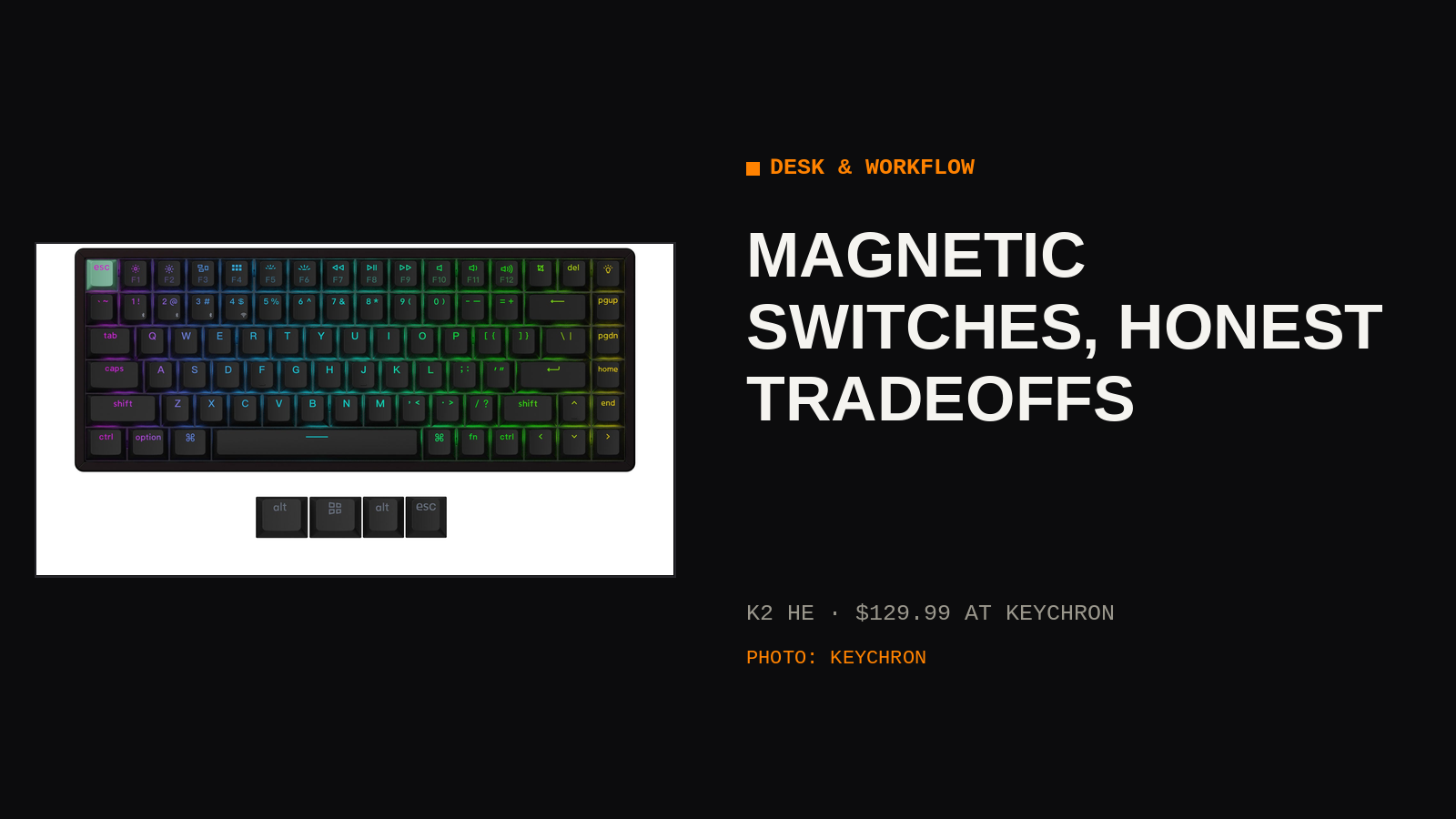
A normal mechanical switch knows two things: pressed and not pressed. A magnetic switch knows a third thing, which is how far down the key has traveled, measured continuously by a Hall effect sensor watching a magnet in the stem. The Keychron K2 HE builds a 75% keyboard around that one trick, and the trick turns out to matter more for typing feel than for the gaming features on the box.
01 · WHAT THE SENSOR BUYS YOU
Because the keyboard measures travel instead of waiting for a contact to close, the actuation point becomes a setting instead of a physical fact. Set it shallow, at a fraction of a millimeter, and keys fire at a touch. Set it deep and the keyboard ignores brushes and resting fingers. Rapid trigger is the other headline feature: a key resets the instant it starts moving up, instead of at a fixed point, so repeated presses register faster. In games that reward counter-strafing and repeated taps, players feel the difference. At a writing desk, the shallower reset mostly means double letters when the setting is too eager, which is its own kind of feedback.
02 · TYPING VERSUS GAMING
For typing, adjustable actuation solves a quieter problem. Set the number row and modifiers a little deeper than the letter keys and the typos from grazing a neighbor mostly disappear, while the letters stay light. It is per-key ergonomics that a normal board cannot offer at any price. For gaming, rapid trigger and the analog measurement are the point, and they work as advertised. The honest split: gamers get a feature, typists get a tuning knob. Both are real, and neither requires believing the marketing about revolutionizing anything.
| SETTING | SENSIBLE STARTING POINT |
| Letter keys | Shallow, fast and light |
| Modifiers and spacebar | Deeper, fewer accidental fires |
| Rapid trigger | On for games, off for prose |
03 · THE 75% TRADEOFF
The K2 HE keeps the function row and arrow keys and drops the number pad and the navigation cluster, folding Home and friends into key combinations. For a desk that also holds a drawing tablet, a notebook, or a second monitor on an arm, the saved width is the feature. The cost lands on spreadsheet work and on anyone whose muscle memory reaches for a dedicated Delete or Page Down. A week of use settles which person you are. The board connects over cable, 2.4 GHz, and Bluetooth, so the same keyboard can follow you from desktop to laptop without a pairing ritual.
04 · LIMITS
Magnetic switches are not interchangeable with the mechanical switches in your parts drawer. The K2 HE works with a short list of compatible magnetic switches, so the hobbyist habit of swapping in whatever switch is fashionable this quarter does not transfer. Keycap choice splits the lineup: shine-through caps show the backlight and feel one way, the double-shot PBT caps feel better to many hands and hide the light. Pick based on whether you type by looking at the keys at night or by touch. Tuning happens in Keychron's web launcher, which is convenient until you want to adjust settings on a machine where you cannot open it.
Set the letter keys shallow and the spacebar deep on day one, and the board stops feeling like a gadget and starts feeling like yours.
WHERE TO GET ONE
We do not stock the K2 HE yet, so buy it direct from the maker: $129.99 for the Standard version at Keychron. Price checked 2026-11-14.