
Recipe sites are the worst reading experience on the modern web: a memoir, three video ads, a pop up asking about cookies, and somewhere near the bottom, the ingredients. A recipe manager fixes the format problem by taking the recipe out of the page and storing it as data. Mealie is the self hosted option worth testing, open source, written to run in a container on a machine you already own, and built around one good trick: paste a URL and get a structured recipe back.
01 · WHAT IT DOES
Mealie stores recipes as ingredients, amounts, and steps, not as screenshots of somebody else's layout. From that structure it builds the things a kitchen actually needs: a meal plan for the week, a shopping list assembled from the planned recipes, and quantities that scale when you double a dish for guests. Recipes can also be typed in by hand or kept from your own notes, and the collection is searchable in a way a folder of bookmarks never is. The project site is mealie.io, and the software itself is free. What you are paying, if you self host, is attention.
02 · RUNNING IT AT HOME
The standard install is a Docker compose file and a database container, the same pattern as most home server software in 2026. On a small home machine it sits quietly: a web page on your local network, your recipes in a volume you can back up with the rest of the box. Updates are a pull and a restart. There is no account to create with a third party and no subscription tier, because there is nobody to bill you. The flip side is plain: when it breaks at 7 p.m. on a Tuesday, support is you, a log file, and a search engine. For people who already run two or three containers, that is a shrug. For people who do not, it is the whole decision.
03 · THE IMPORT, TESTED
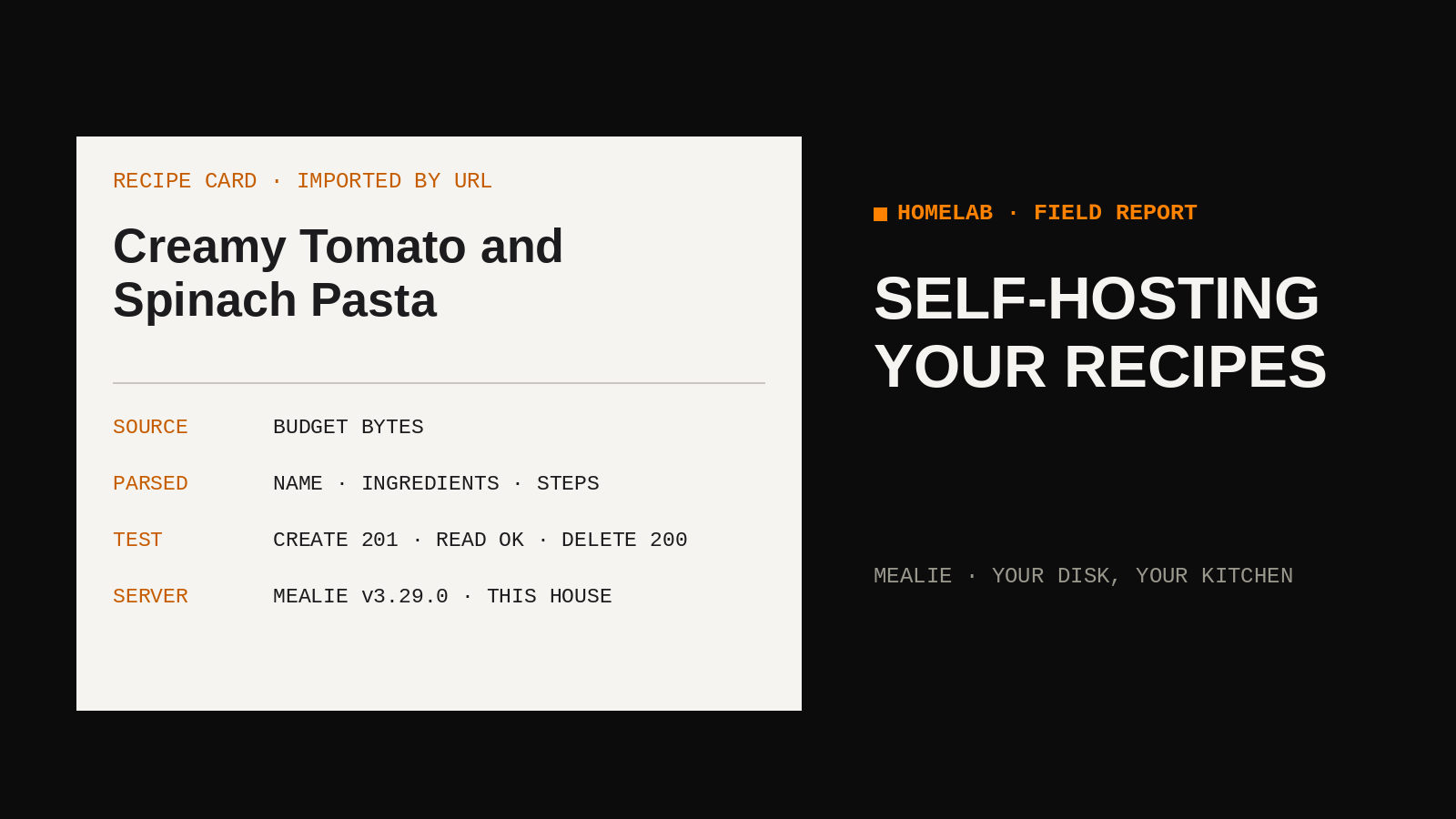
The URL import is the reason to bother, and it works better than expected. Most serious recipe sites publish their recipes in a structured format under the page, meant for search engines, and Mealie reads that structure instead of scraping the visible text. The result is a clean recipe: title, ingredients with amounts, numbered steps, often the photo, ready to cook from and ready to add to a shopping list. In testing on this network the import created a correctly named, correctly structured recipe from a standard recipe blog URL in one pass, with no cleanup beyond reading it once. That hit rate is why the tool earns its container. A bookmark tells you where a recipe lives. This gives you the recipe itself, in your own database.
04 · LIMITS
The limits are specific. Some sites block scrapers outright or hide the structured data, and those imports arrive empty or mangled; the fix is manual entry, which is the work you were trying to avoid. Photo quality varies with whatever the source site served, and a beautiful dish can import with a thumbnail fit for a postage stamp. Amounts occasionally parse oddly, especially fractions and ranges, so the first cook from any import deserves a read through before you trust the shopping list. And the standing cost of all self hosting applies in full: backups are your job, updates are your job, and a dead drive takes the collection with it unless you planned otherwise.
05 · WHO SHOULD USE A NOTES APP INSTEAD
If you keep twenty recipes and cook the same six, a notes app is the better tool and it is not close. Notes need no updates, no backups beyond what your phone already does, and no evening spent reading container logs. Mealie starts paying off when the collection gets large enough to search, when meal planning and shopping lists are a weekly chore worth automating, or when you are tired of a favourite recipe vanishing behind a paywall redesign. The honest dividing line is whether you want a library or a list. Libraries need librarians. Lists need a pencil.
Install it beside one week of real cooking, import the five recipes you actually make, and let the shopping list for Friday be the verdict.